Liberate
Un-restrict your learning, reading and research capabilities with our powerful AI processing engine.
Liberate uses an advanced AI processing engine to automatically catalogue, tag, and summarise your PDFs in seconds. Import hundreds of documents and instantly get intelligent organisation, concept-based search, and AI-generated summaries — perfect for students, researchers, and anyone drowning in PDFs.
AI-Powered PDF Intelligence
Turn your chaotic PDF collection into an organised, searchable knowledge base. Liberate’s powerful AI processing engine works in the background to analyse your documents, generate summaries, and surface what matters most.
- Automatic tagging and categorisation powered by our AI processing engine
- Intelligent summaries of any document in seconds
- Concept-based search across your entire library
- 3 free AI-powered imports per month plus unlimited manual imports
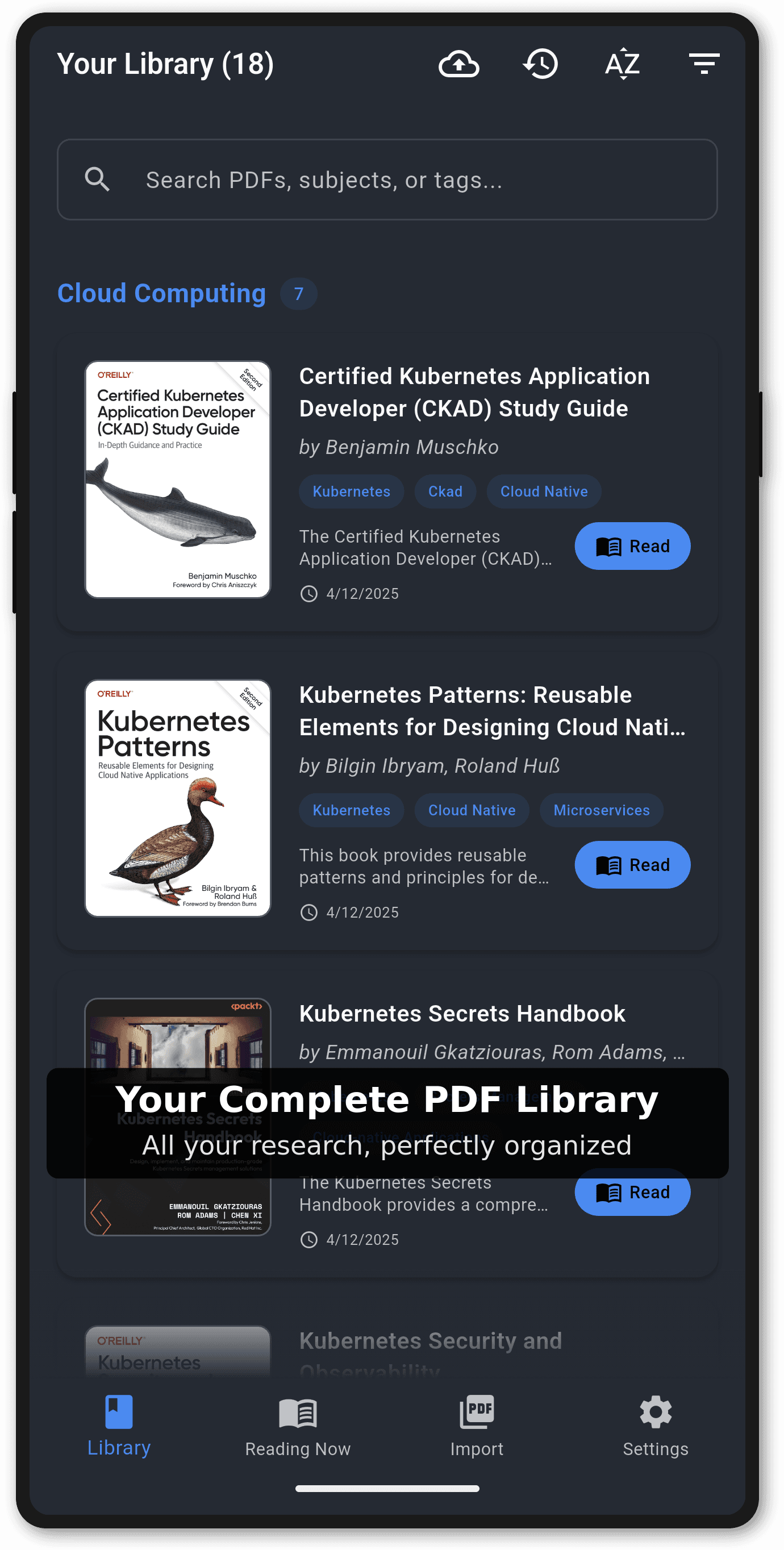
Organized Library
Manage your entire PDF collection with ease. Liberate automatically generates thumbnails, extracts metadata, and displays titles instead of filenames for a clean, organized library experience.
- Automatic thumbnail generation for quick visual identification
- Metadata extraction displaying titles instead of filenames
- Multi-select operations for bulk file management
- Search and filter capabilities to find documents instantly
- Individual and batch file deletion with confirmation
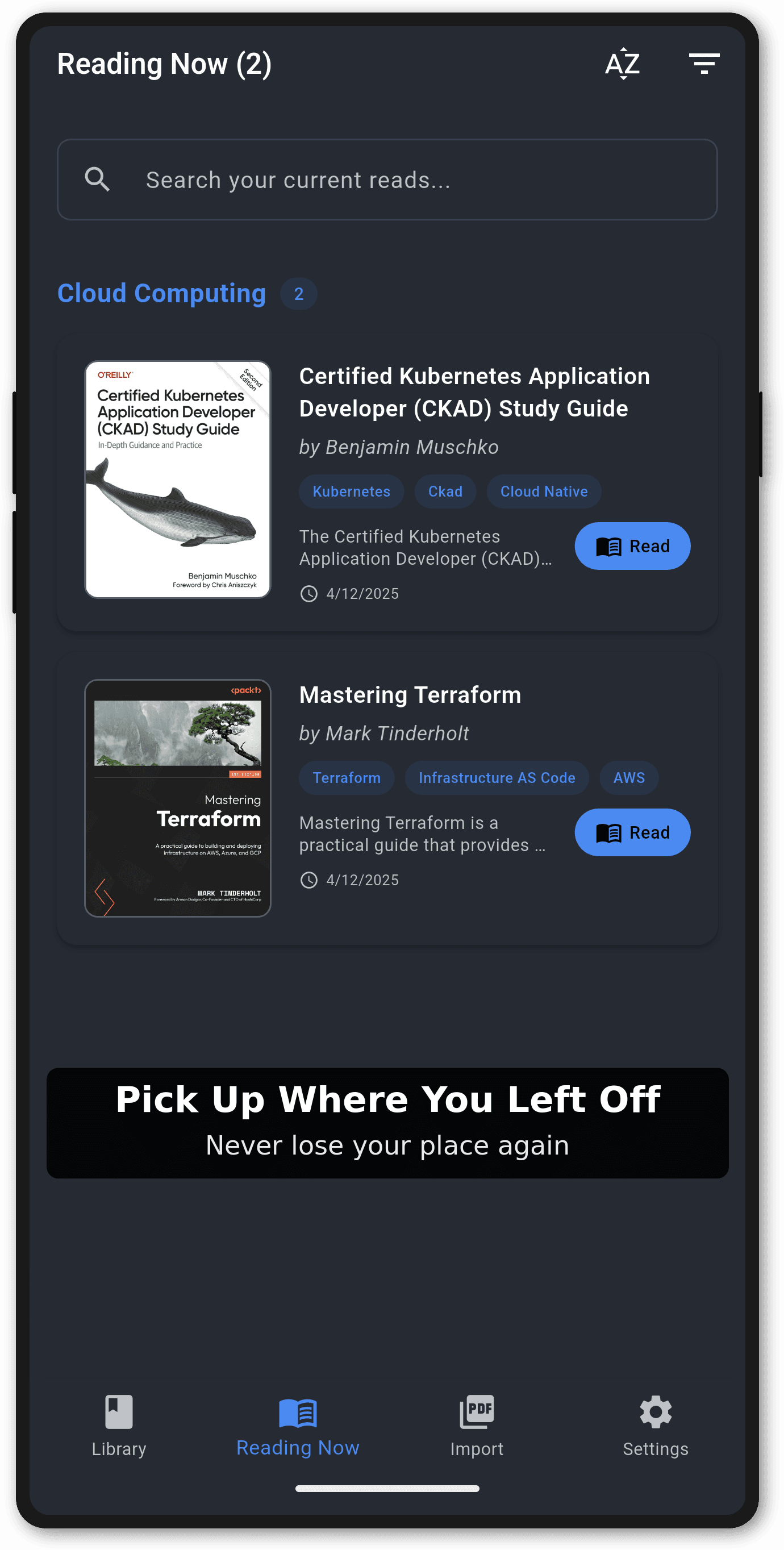
Reading Now
Focus on what matters most. The Reading Now screen automatically displays only the books you're actively reading, helping you stay organized and focused on your current studies or research.
- Automatic detection of books with active reading progress
- Clean view without completed or unstarted books
- Full search and filter functionality maintained
- Quick access to your current reading materials
- Seamless integration with reading progress tracking
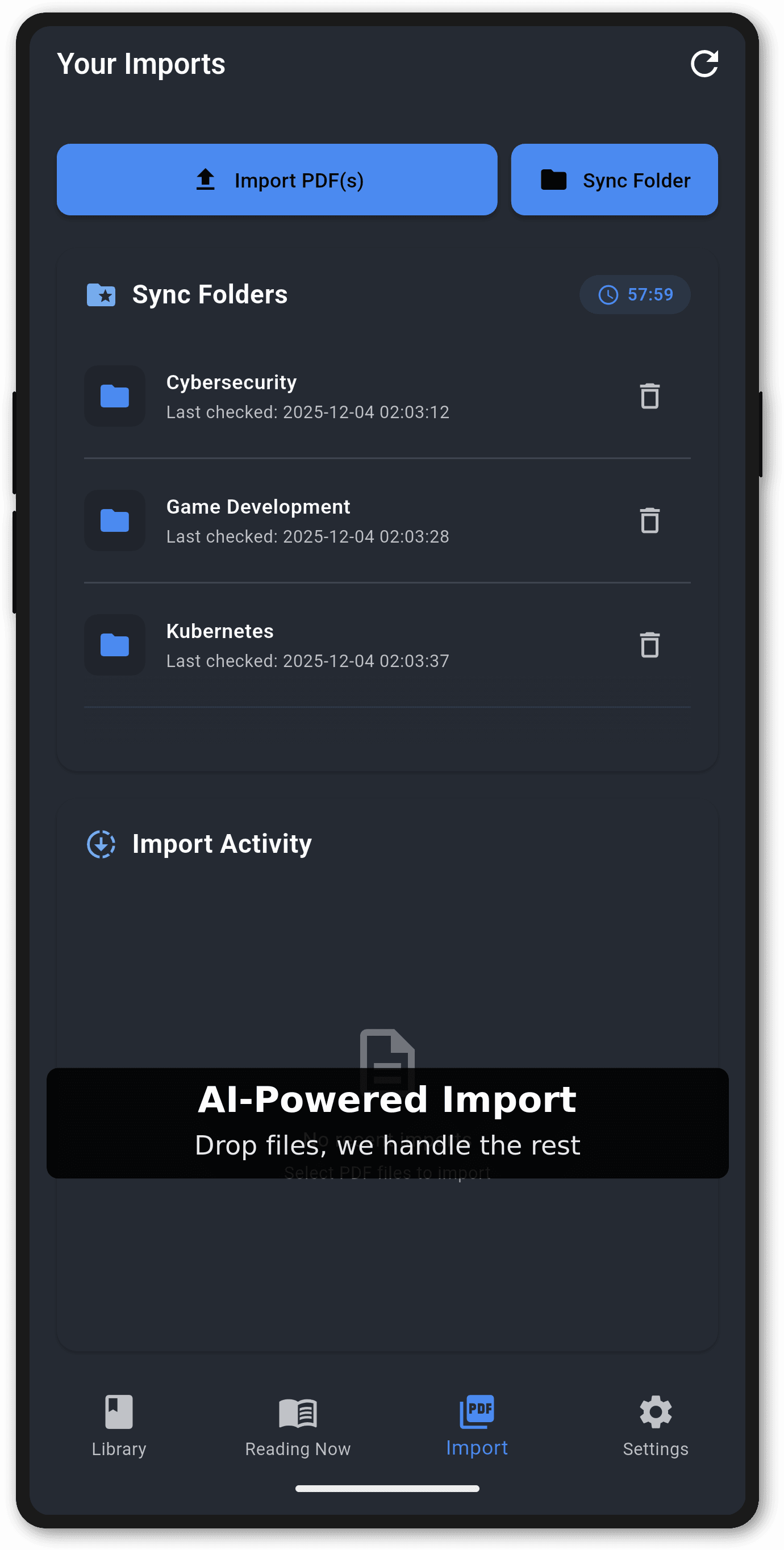
Smart Import & Folder Watching
Never lose track of your documents. Liberate can automatically watch folders for new PDFs, process them in the background, and notify you when they're ready. Perfect for researchers and students managing large document collections.
- Automatic folder watching with PDF detection
- Background import processing with toast notifications
- Reprocessing capability for broken or updated files
- File validation and comprehensive error handling
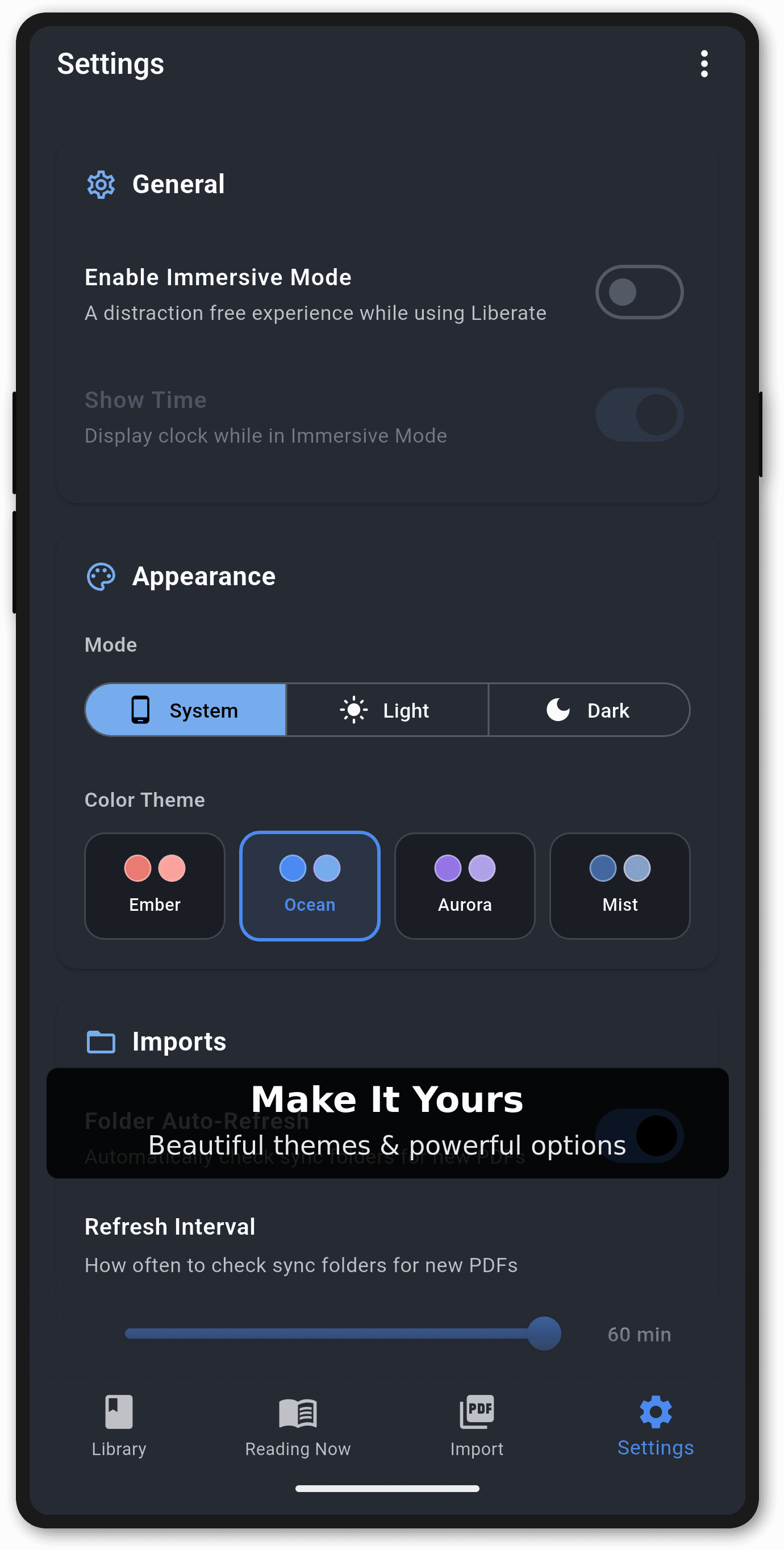
Customizable Settings
Tailor Liberate to your preferences. Configure backup settings, manage cloud synchronization, adjust reading preferences, and control folder watching behavior all from one intuitive settings screen.
- Google Drive backup and restore configuration
- Cloud synchronization preferences
- Reading and display preferences
- Folder watching and import settings
- Theme and appearance customization
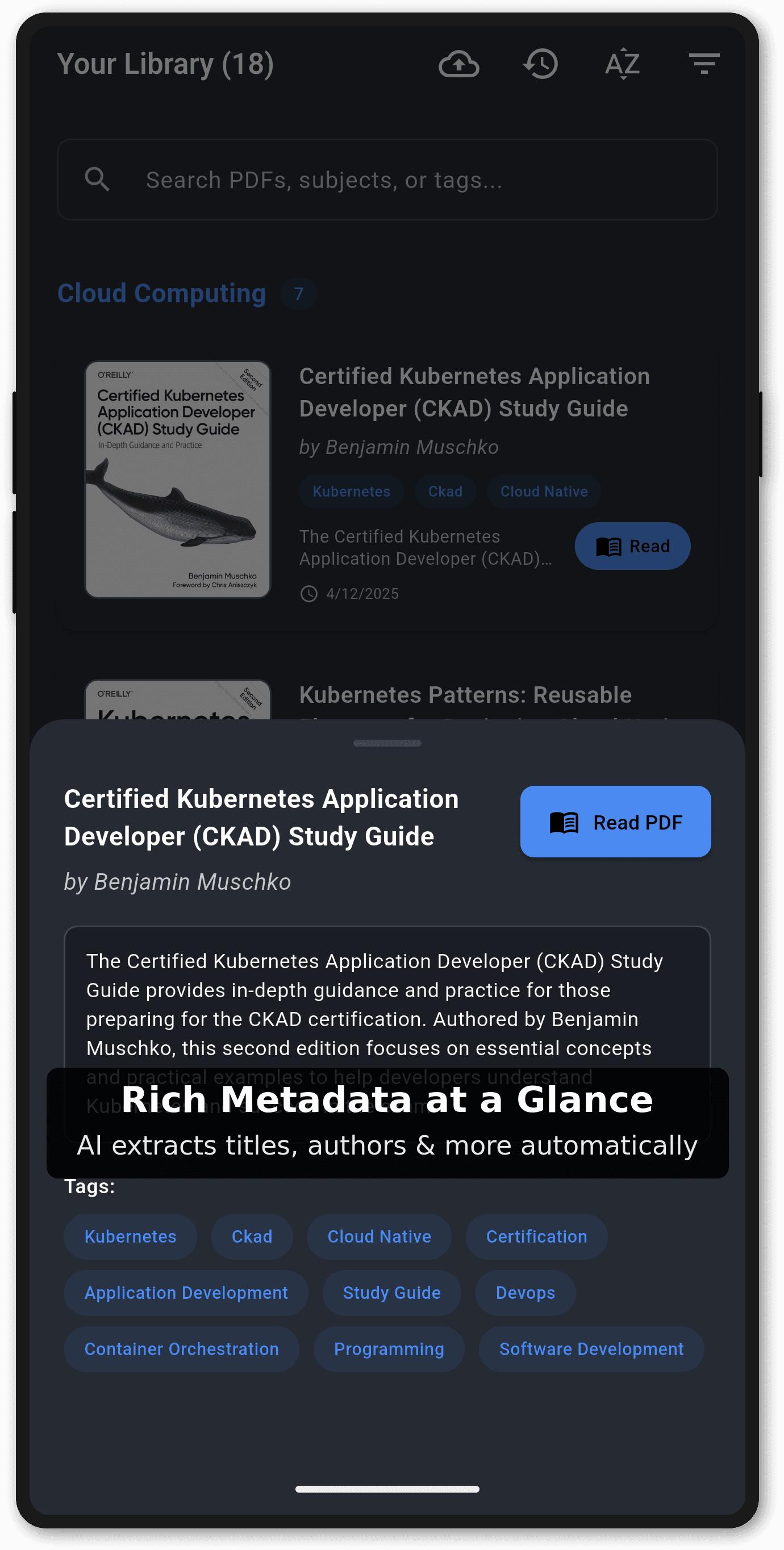
Rich Book Metadata
Get detailed information about your documents at a glance. Liberate extracts and displays comprehensive metadata including file details, reading progress, and organizational tags to help you manage your library effectively.
- Comprehensive metadata extraction and display
- Reading progress tracking and statistics
- File hash tracking for efficient operations
- Organizational tags and categories
- Quick access to document details
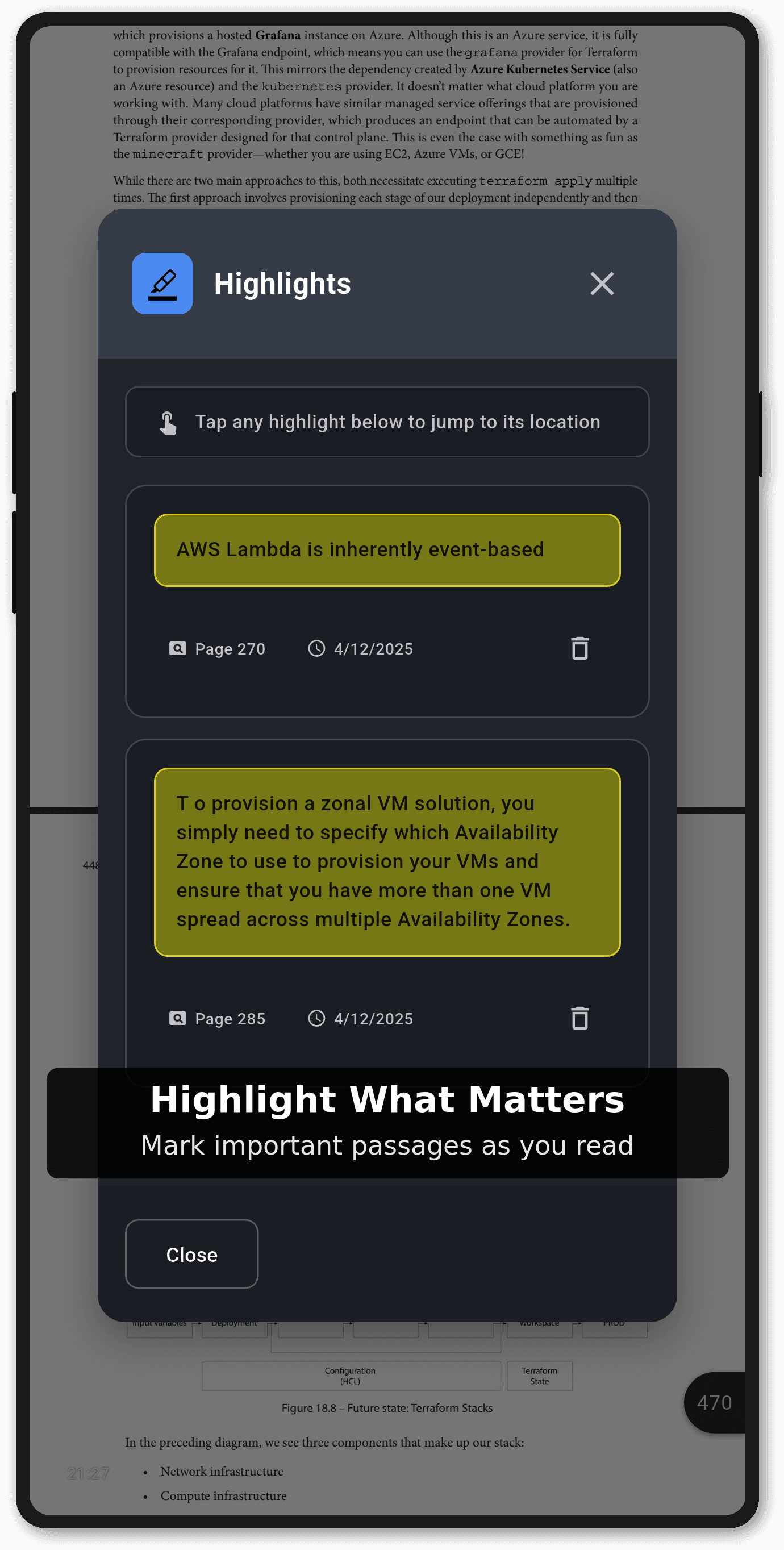
Immersive Reading, Online and Offline
Dive into your documents with a distraction-free reader designed for deep study sessions. Read online or offline while our AI processing engine keeps your library organised and searchable.
- Immersive reading mode for focused study and research
- Offline functionality so you can access and read PDFs anywhere
- Visual text highlighting with persistent yellow annotations
- Real-time in-document search with instant highlighting
- Reading progress tracking with page position saving and statistics
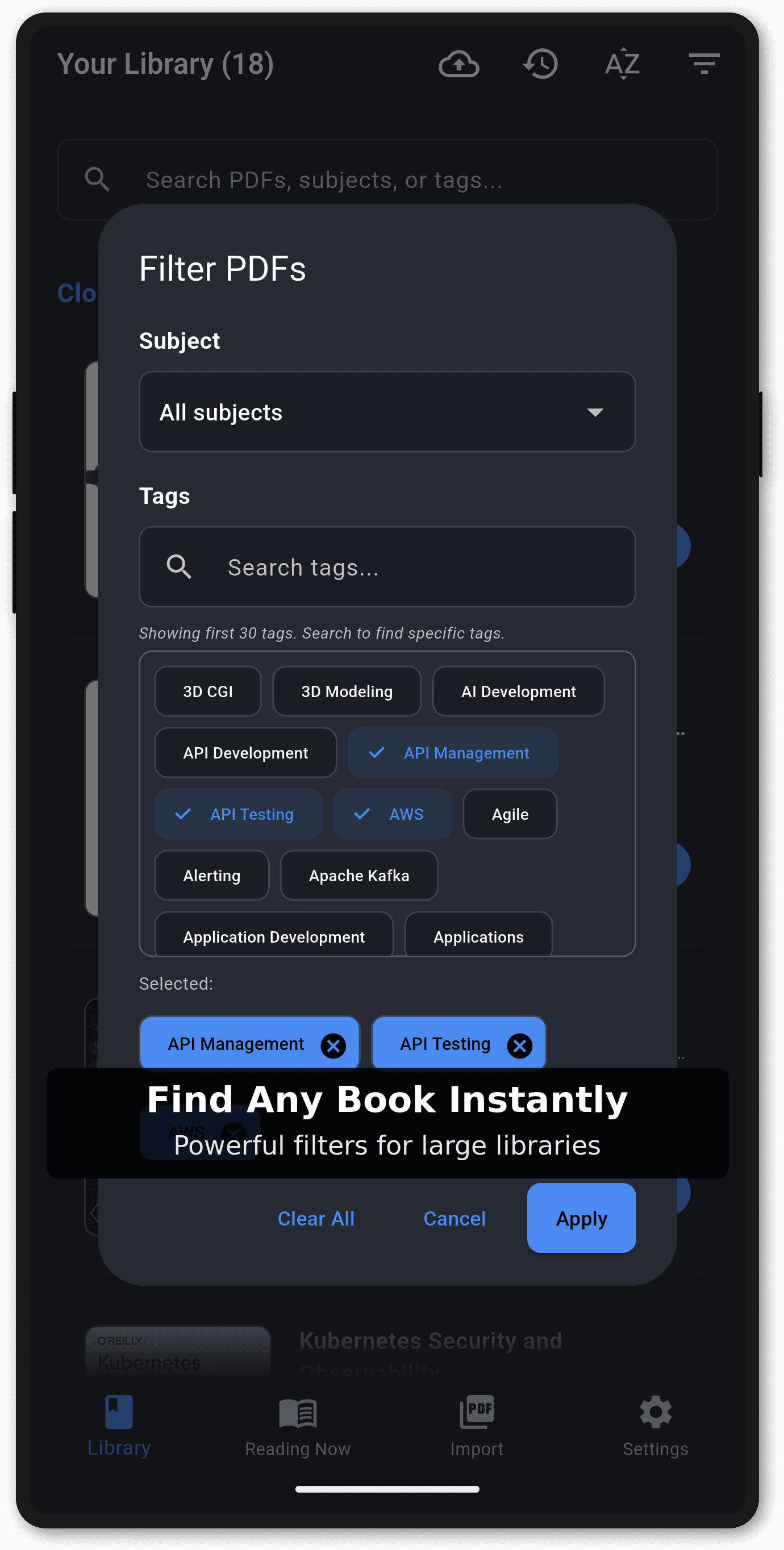
Powerful Filtering & Categorization
Find exactly what you need, when you need it. Liberate's advanced filtering system lets you organize documents by categories, tags, reading status, and more. Perfect for managing large research collections or study materials.
- Advanced filtering by multiple criteria
- Category and tag-based organization
- Reading status filtering
- Fast, responsive filter dialog
- Cached filter data for instant results
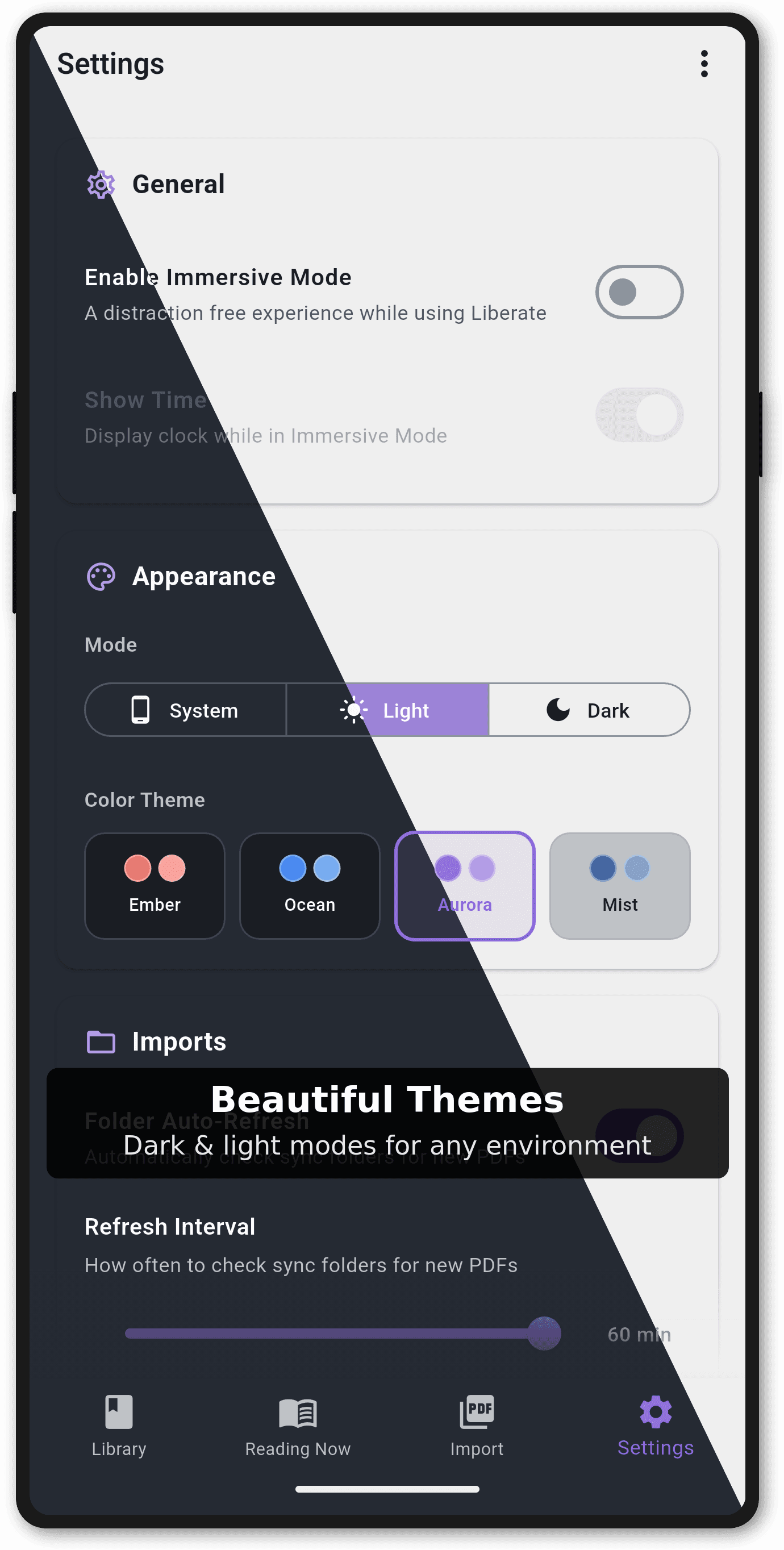
Beautiful Themes
Read comfortably in any lighting condition. Liberate supports both dark and light themes, allowing you to customize the appearance to match your preferences and reduce eye strain during long reading sessions.
- Dark mode for comfortable night reading
- Light mode for bright environments
- System theme detection and auto-switching
- Consistent theming across all screens
- Optimized contrast ratios for readability
Simple, Transparent AI Pricing
Start free and scale your access to our AI processing engine as your reading and research needs grow. Pricing is aligned with the Liberate Google Play Store listing.
- Free: 3 AI-powered imports per month plus unlimited manual imports
- Pro plans: 50, 100, or 200 AI documents per month
- Credit packs available for bulk AI processing
- Ideal for students, researchers, and knowledge workers managing large PDF libraries
Ready to Liberate Your Reading?
Download Liberate today and transform how you manage and read your PDF documents.
Liberate is developed by Perpetual Squared.
For privacy information, please see our Privacy Policy. For support, contact us at sean@perpetualsquared.com.